
FIELD REVIEW SOFTWARE
Scout Viewer: Your Inspection Data, Ready the Moment You Land.
Local · Fast · No Login
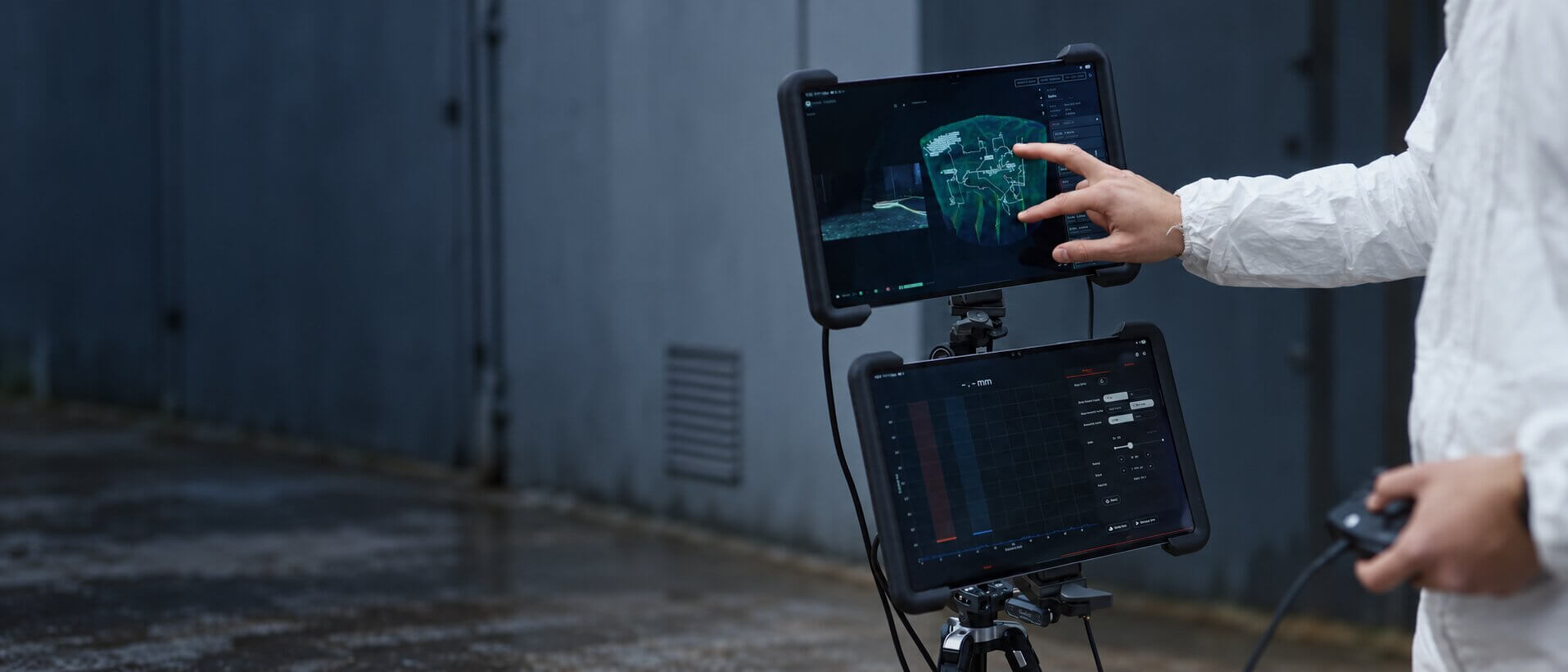
Check the inspection on site, before the team packs up. Right after the flight, Scout Viewer opens the full recording on the same tablet used to fly, so you can go through the findings with the customer and produce the PDF report without leaving the location.

FIELD REVIEW SOFTWARE
Scout Viewer: Your Inspection Data, Ready the Moment You Land.
Local · Fast · No Login
Check the inspection on site, before the team packs up. Right after the flight, Scout Viewer opens the full recording on the same tablet used to fly, so you can go through the findings with the customer and produce the PDF report without leaving the location.
Viewer
Video, POIs and UT in a 3D point cloud.
Access
No sign-up, no login.
Offline
Works without internet.
Platforms
Windows and Android.
WHY IT WORKS
Close Out the Review Before You Leave Site.
Using the tablet that flew the mission, Scout Viewer loads the finished inspection so the team can check the video, the point cloud and every reading, talk the customer through the results and create the PDF report while everyone is still at the location.
NO CLOUD NEEDED
Full 3D Data, Straight From the Drone.
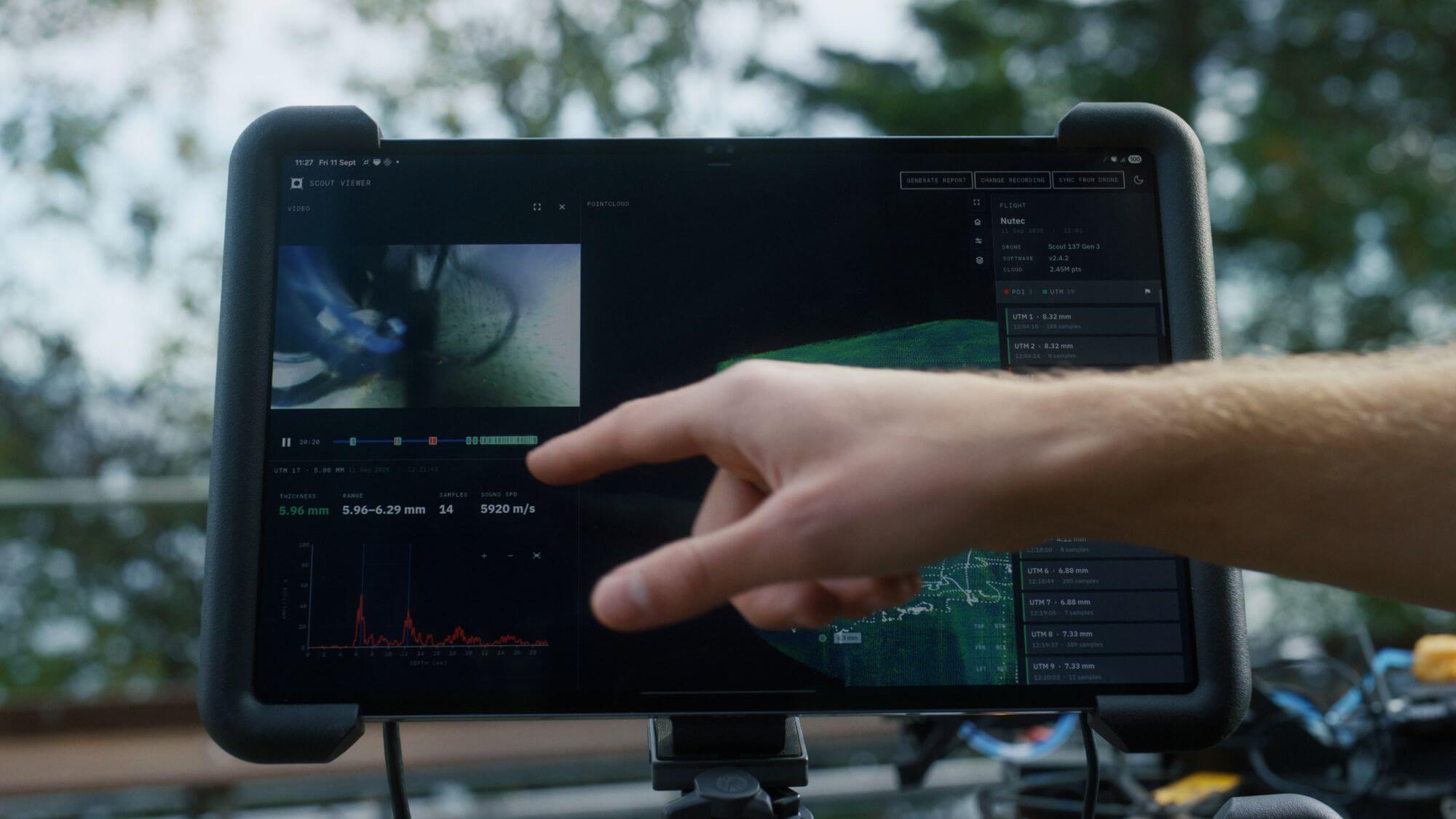
Scout Viewer reads the inspection data already saved on the Scout 137, including the point cloud, flight path, video, tagged photos and UT samples, with no upload or processing step beforehand.
This helps on rigs without signal, on sites where data must stay on location, or whenever the team would rather not wait: the whole inspection is ready as soon as the drone touches down.

FINDINGS IN 3D
Every Finding Shown Where It Was Captured.
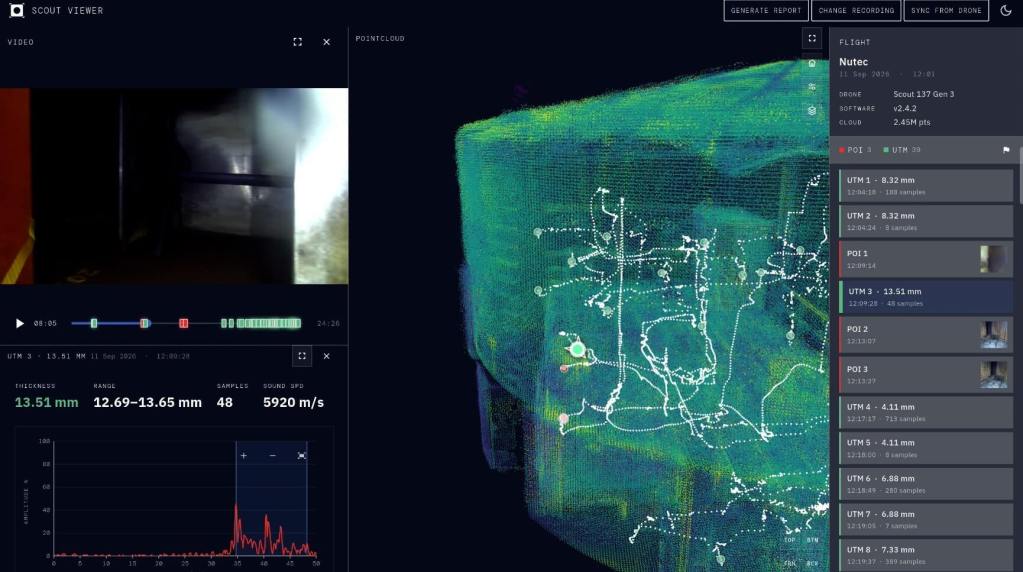
Tagged photos and ultrasonic thickness readings sit at their capture points inside the 3D point cloud. Choose a finding to see its 4K photo, thickness value and A-scan alongside its exact position.
Straight after the flight, the inspector can go through the complete inspection in context on site, with the customer beside them if needed.
REVIEW AND REPORT
Go Through the Findings, Then Hand Over the Report.
Review the inspection with your customer and create a PDF report before you head off site.
Review Together
Browse the video, tagged photos and UT readings in their 3D setting to discuss results and confirm inspection coverage as a team.
Report On Site
Create a PDF inspection report straight from the recording, with tagged photos and UT thickness readings included, without a cloud upload or office software.
HOW IT WORKS
Recording to Report, All On Site.
Load the Scout 137 recording, check the inspection in context and export a PDF report, with nothing sent to the cloud.
01
Two Ways to Open
Use the tablet you fly with over the existing Scout 137 connection, or load a recording from the SD card on a Windows PC.
02
Replay the Flight
Watch the video while the drone’s recorded path moves through the 3D point cloud, so you always know where each clip was filmed.
03
Check the Details
Open tagged photos and UT thickness readings exactly where they were recorded in the point cloud.
04
Export the Report
Create a PDF inspection report with tagged photos and UT thickness readings, ready to hand over before leaving.
Scout Viewer Specifications
Full technical specifications for Scout Viewer, covering supported systems, installation, connectivity and data.
Operating Systems
Windows
Windows 10 (64-bit) or newer, and Windows 11.
Android
Officially supported on Galaxy Tab S10 Ultra and S11 Ultra.
Installation
Windows
Unzip the release build and run the .exe, with no installer and no admin rights needed.
Android
Install the APK directly (sideload); not available on the Play Store.
Connectivity & Account
Network
Fully offline; uses the Scout 137 / ground-station connection already used for flying.
Account
Not required, no cloud sync.
Data
Opens
Scout 137 recordings from Gen 3 drones, software version 2.4.2 or later.
Access
Read-only.
Shows
3D point cloud, flight path replay, tagged photos, UT thickness readings with A-scan.
Exports
PDF inspection report.
Frequently Asked Questions about Scout Viewer
Scout Viewer is offline inspection software from ScoutDI that opens Scout 137 recordings directly on a tablet or Windows PC. It shows the 3D point cloud, flight path, video, tagged photos and UT readings, and exports a PDF report, without internet or a login.
No. Scout Viewer works fully offline using the existing Scout 137 connection, needs no account and does not sync to the cloud.
Yes. Scout Viewer exports a PDF inspection report straight from the recording, including tagged photos and UT thickness readings, so the report can be handed over before leaving the site.
It runs on Windows 10 (64-bit) or newer, including Windows 11, and on Android, with the Galaxy Tab S10 Ultra and S11 Ultra officially supported.
Scout Viewer is for fast, offline review and reporting on site. Scout Portal is cloud software for storing, sharing and reporting inspection data with clients and wider teams.
Yes. NineTenths handles Scout Viewer quote requests in Saudi Arabia. Contact us at info@9tenthsco.com or 920015910 for pricing and availability.
The Rest of the System
Payloads and software that work together with the Scout 137 Gen 3.
Scout 137 Gen 3
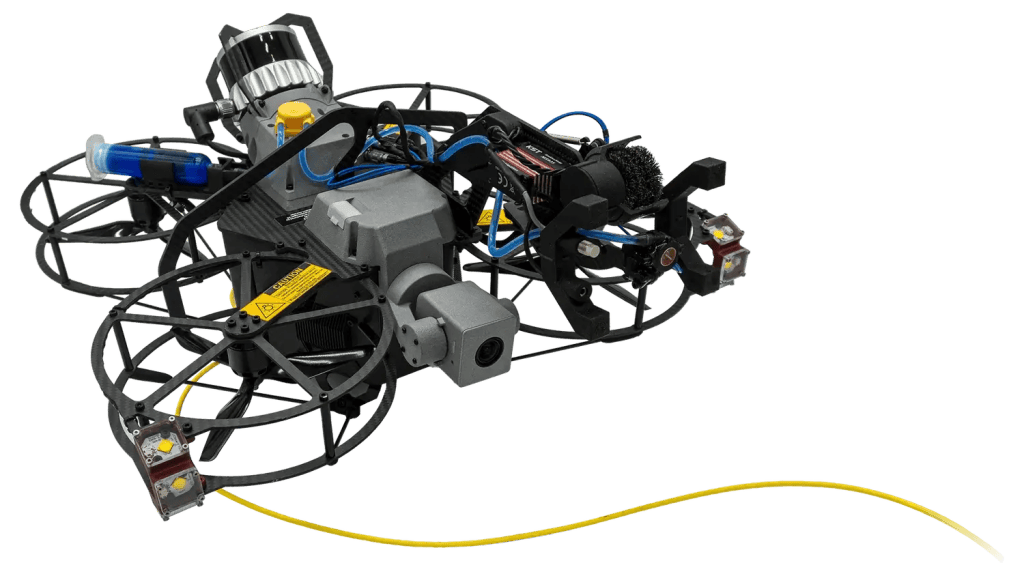
A tethered drone system for confined spaces without GPS, flying without time limits and delivering clean inspection data.
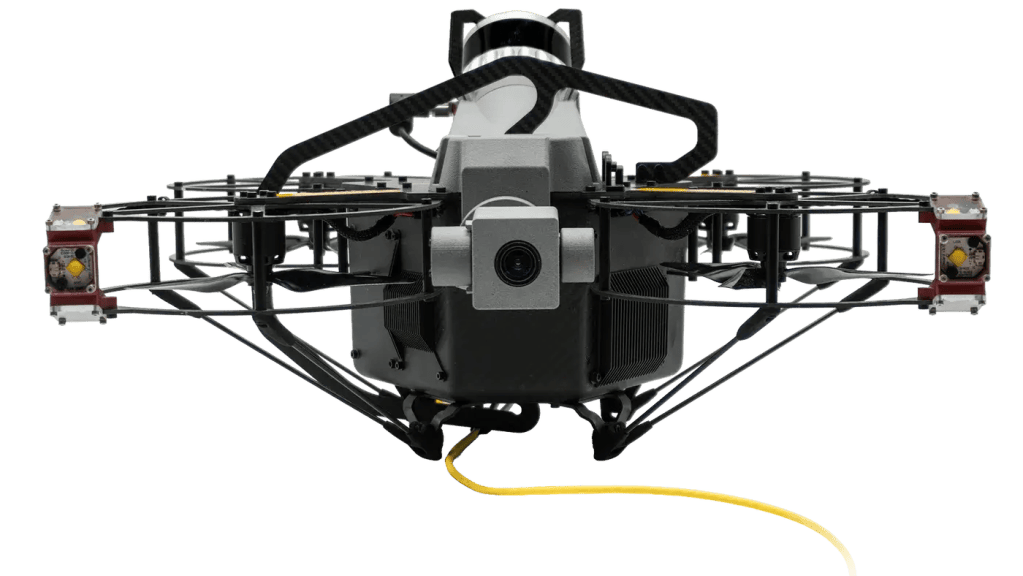
4K Zoom Camera
Survey-grade visual detail with optical zoom, made for dark, dusty, confined environments.

3D LiDAR
Real-time 3D mapping and SLAM positioning, so every finding is located in the point cloud.
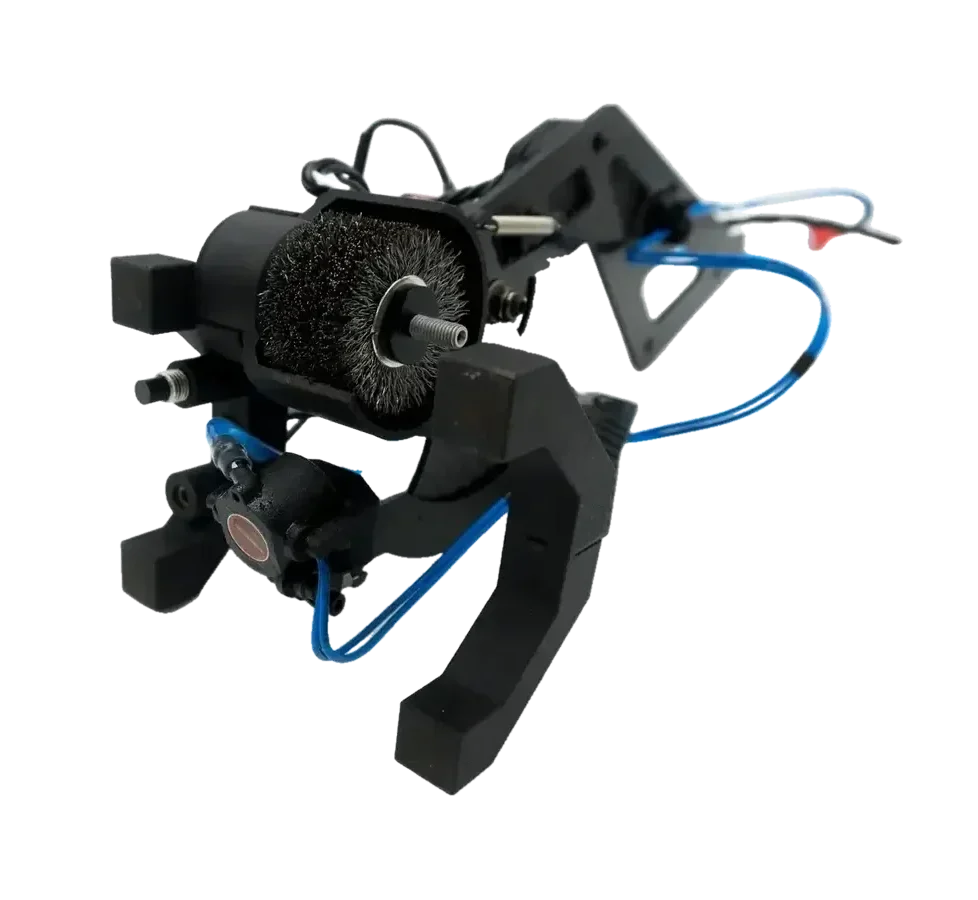
UTM Payload
Ultrasonic thickness measurement during flight, combining surface prep and UTM in one controlled workflow.
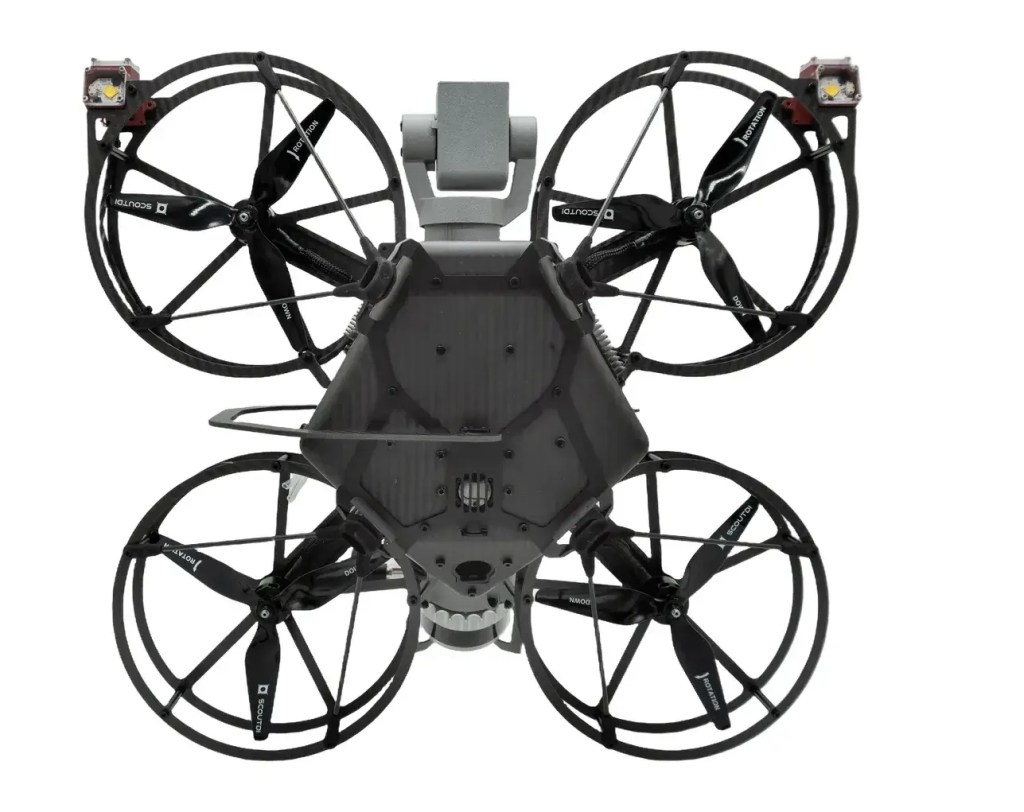
Gas Sensor
Flammable-gas detection on board the drone (NevadaNano MPS, 14 gases) with live telemetry before anyone enters.
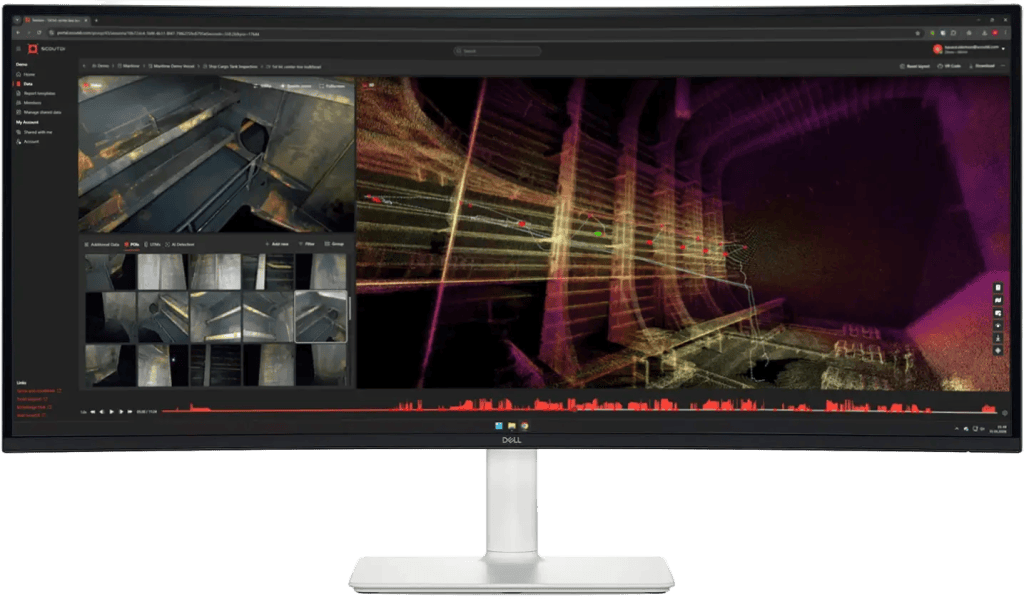
Scout Portal
The cloud platform for live streaming, managing inspection data and sharing it with stakeholders.
Request Your Scout Viewer Quote
Share your details and our team will contact you with pricing, availability and guidance on reviewing and reporting drone inspections on site.